

Cyber Security · Brand guidelines
PhURL
“A triangle inside a triangle, crossed by a line: a warning sign that scans the link.”
PhURL, my machine learning system that detects phishing URLs and keeps people safe online.
- Alert
- Precise
- Protective
Thinking
From idea to mark
How the PhURL logo was found, in four moves: from what the brand needed to say, to a symbol, to a shape, to its colour and type.
- 01PhURLAlertPreciseProtective
The brief
PhURL checks links before you click them. The logo had to feel like a warning and a shield, sharp and technical, but not scary.
- 02
The symbol
A triangle is the universal warning sign. Putting a second triangle inside it makes a layered barrier, and the horizontal line is a scanner sweeping across the link.
- 03
The shape
Everything is drawn with one thin, even stroke on a strict equilateral grid, like a technical drawing. The wordmark is set in a narrow, mono-style face inside the base.
- 04Aa
Colour & type
Pure black and white, like code on a terminal, keeps it serious. A single alert red is used only when a threat is found, and a scan cyan for safe results.
Logo
The primary logo
The full logo is the brand’s signature. It comes in two versions: one for light grounds and one for dark. Always use the artwork files; never redraw or retype it.
Colourways
One mark, many grounds
The logo also works in a single colour. These are the approved colourways: one ink on one ground, always with strong contrast.
Construction
Built on a grid, given room
The logo sits on a simple grid of halves, diagonals and circles. Keep a clear space of x around it on every side (x is a quarter of its height), and never use it smaller than its minimum size.
Minimum size
Colour
The colour system
Phish Black leads, the others support it. The bar shows roughly how much of each colour a typical layout uses. Click a swatch to copy its HEX code.
- HEX
- #0A0A0A
- RGB
- 10 10 10
- CMYK
- 0 0 0 96
- HEX
- #F7F7F5
- RGB
- 247 247 245
- CMYK
- 0 0 1 3
- HEX
- #E5383B
- RGB
- 229 56 59
- CMYK
- 0 76 74 10
- HEX
- #3BD4E5
- RGB
- 59 212 229
- CMYK
- 74 7 0 10
- HEX
- #8A8A8A
- RGB
- 138 138 138
- CMYK
- 0 0 0 46
Type
Typography
Michroma sets headlines with the brand’s voice. IBM Plex Mono handles everything people read at length. Both are free Google Fonts.
Michroma
ABCDEFGHIJKLMNOPQRSTUVWXYZ
abcdefghijklmnopqrstuvwxyz
0123456789 &!?
- 400
IBM Plex Mono
ABCDEFGHIJKLMNOPQRSTUVWXYZ
abcdefghijklmnopqrstuvwxyz
0123456789 &!?
- 400
- 500
- 600
Check before you click.
H2 · MichromaAlert · Precise · Protective
Body · IBM Plex MonoPhURL, my machine learning system that detects phishing URLs and keeps people safe online. PhURL checks links before you click them. The logo had to feel like a warning and a shield, sharp and technical, but not scary.
Pattern
Pattern & texture
The logo repeats into a pattern for packaging, backgrounds and merchandise, and crops in close as a bold graphic that still reads as PhURL.
In the world
On the street
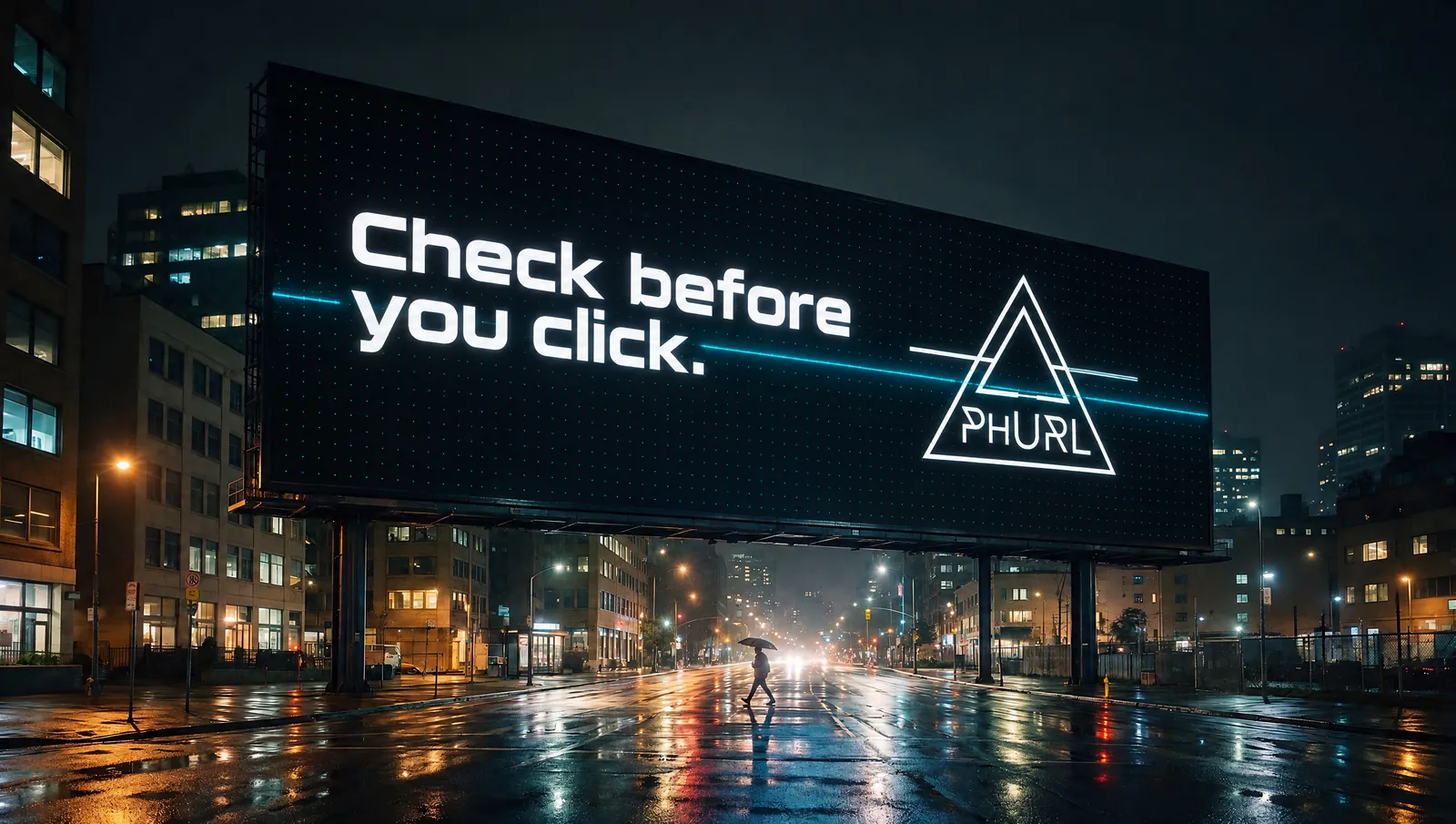
At billboard scale, one logo and one line. If it reads here in a glance, it reads anywhere.
Stationery
Stationery
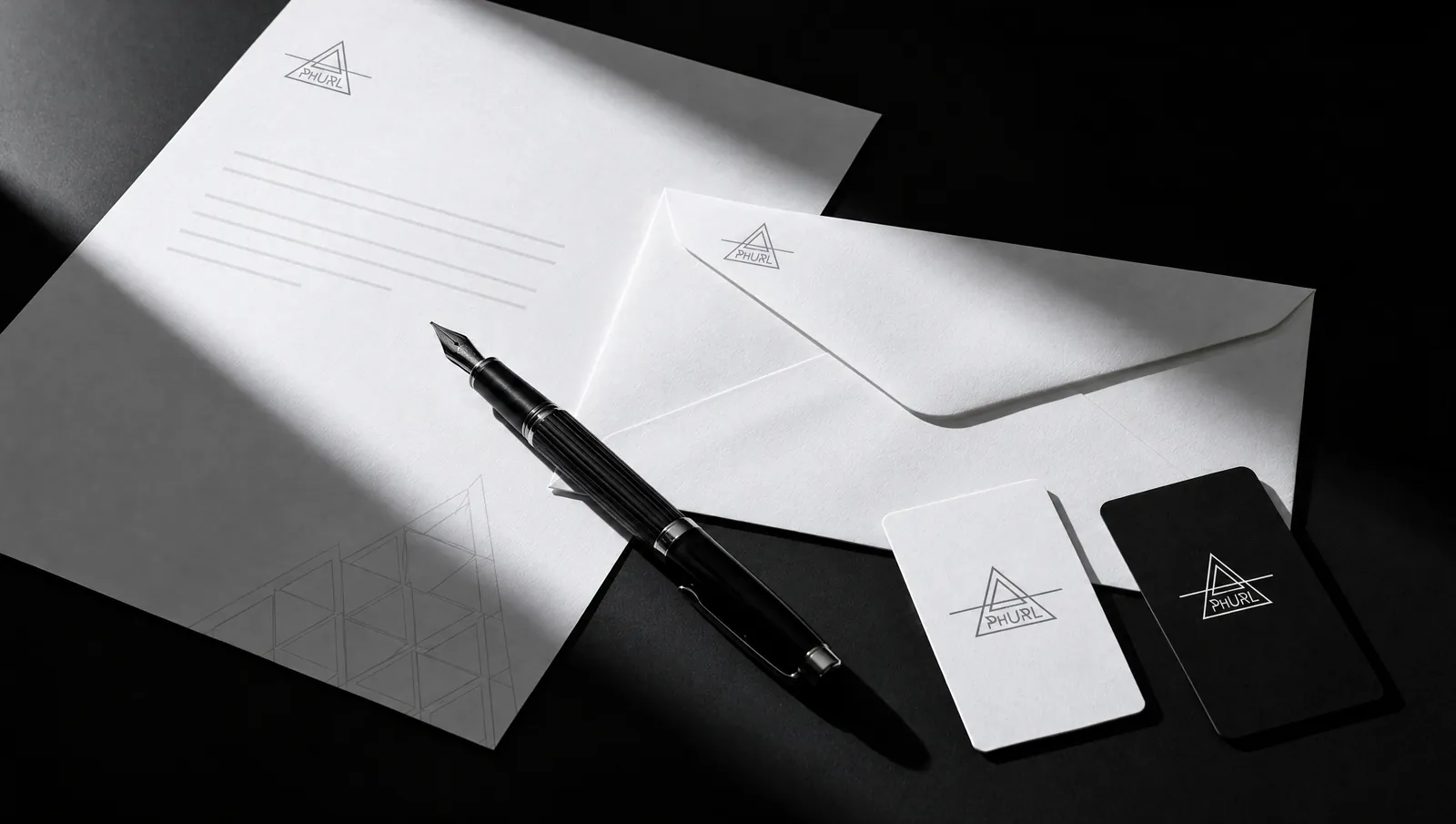
Letterhead, envelope and business cards on uncoated stock. The logo leads on white paper, and the second card carries it on a brand colour.
In use
Brand in use
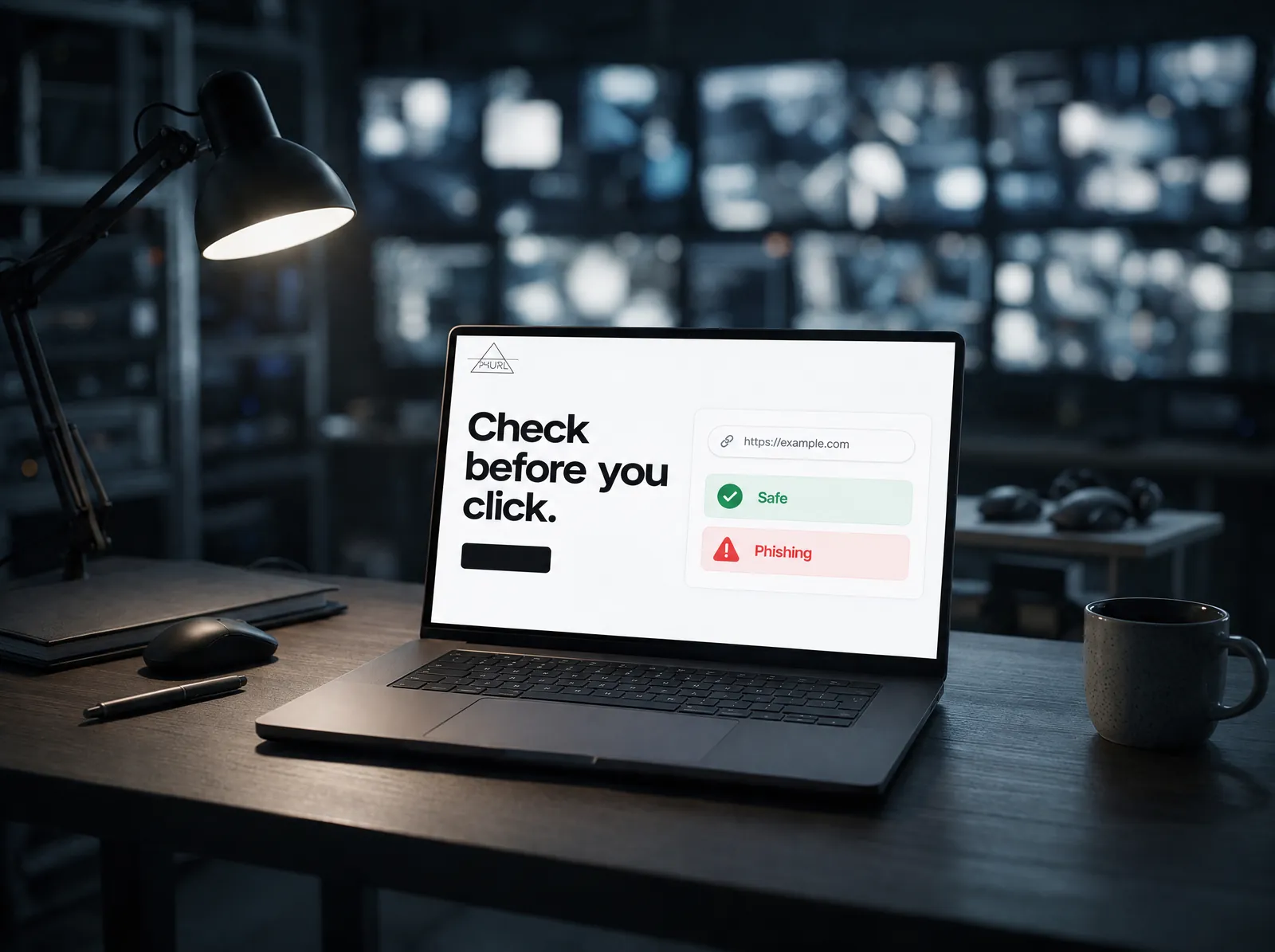
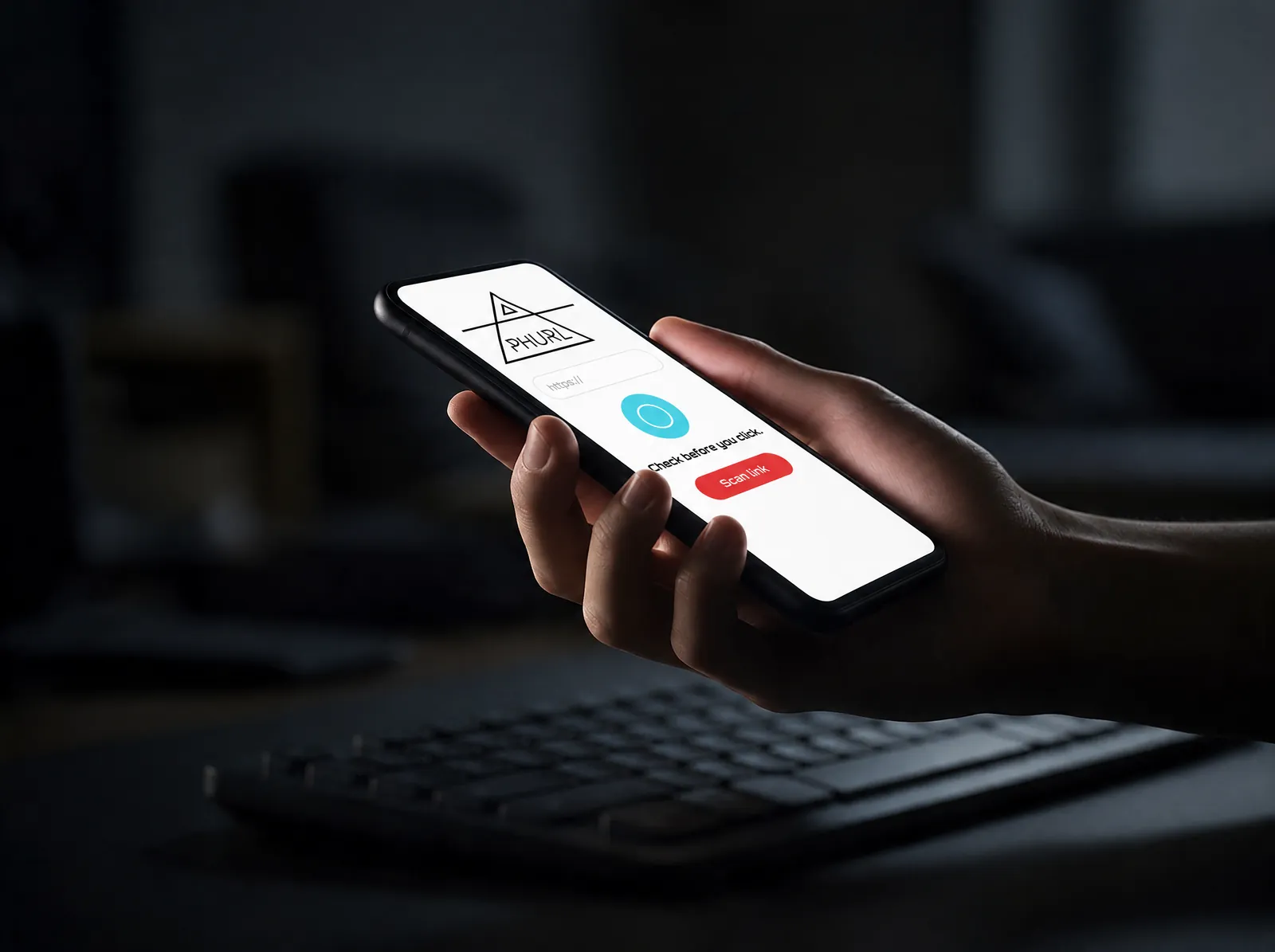
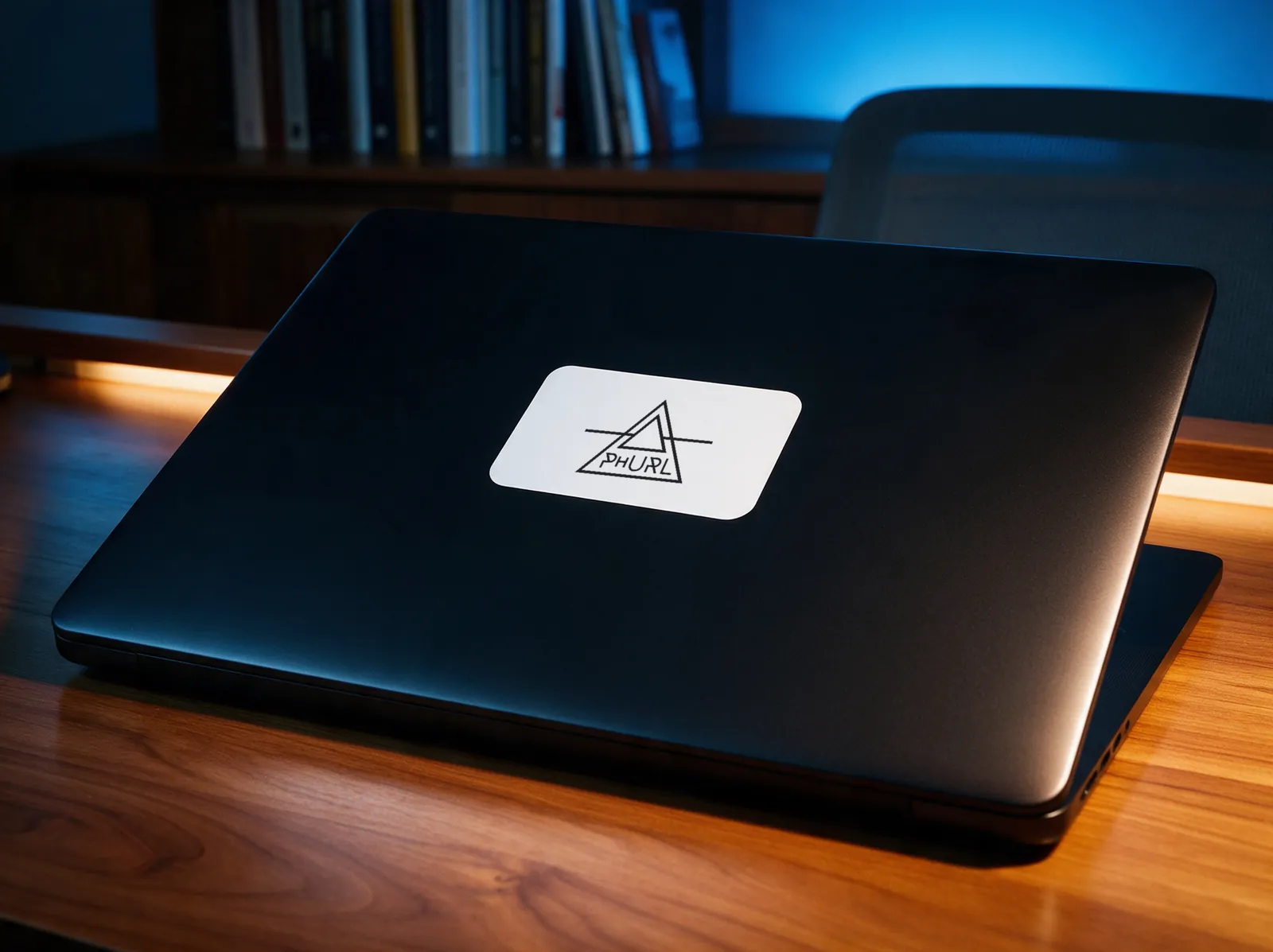
Where people meet PhURL day to day. The same few rules carry through: the logo with room around it, the palette, and the brand line “Check before you click.”
- Website
- Mobile app
- T-shirt

- Laptop sticker
Usage
Do’s and don’ts
A logo only builds recognition if it looks the same everywhere. These are the common mistakes to avoid.
- Use the artwork as supplied
- Give it room to breathe
- Don’t stretch or squash it
- Don’t rotate it
- Don’t change its colours
- Don’t add shadows or effects
- Don’t place it on busy images
- Don’t outline or crop it